Türkçe
 Deutsch
 Français
Questions.
16 questions people ask about Sesh, answered plainly. Something missing? Write to support@hieroglyphs.app.
The app
What is Sesh?
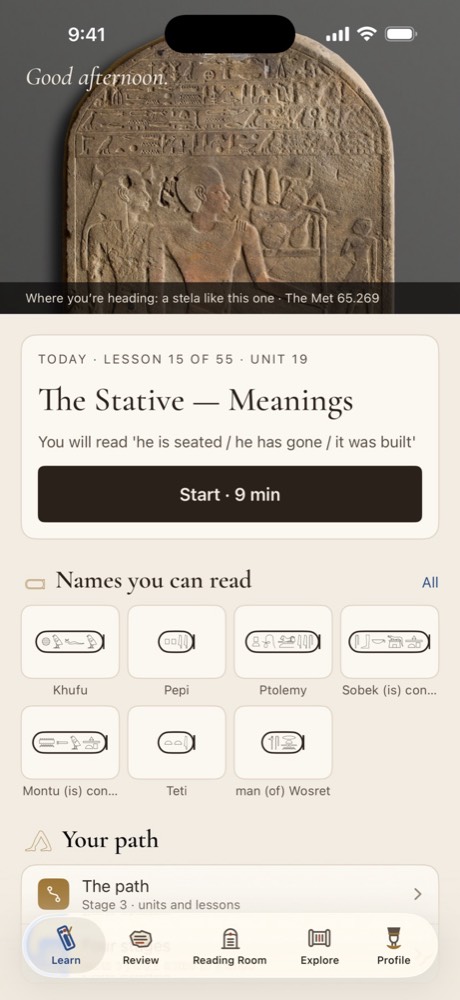
An app that teaches you to read ancient Egyptian hieroglyphs. It teaches Middle Egyptian, the classical stage of the language, in 231 lessons across four stages, from one royal name to the Story of Sinuhe in the original.
Which devices and languages?
iPhone and iPad, with iOS 17 or later. The app and its lessons are in English, Turkish, German and French.
Do I need an account or an internet connection?
No account. The whole course is on your device, so Sesh works offline, including museum mode in a gallery. If iCloud is on, your progress syncs through your own iCloud account.
Learning
Do I need any background?
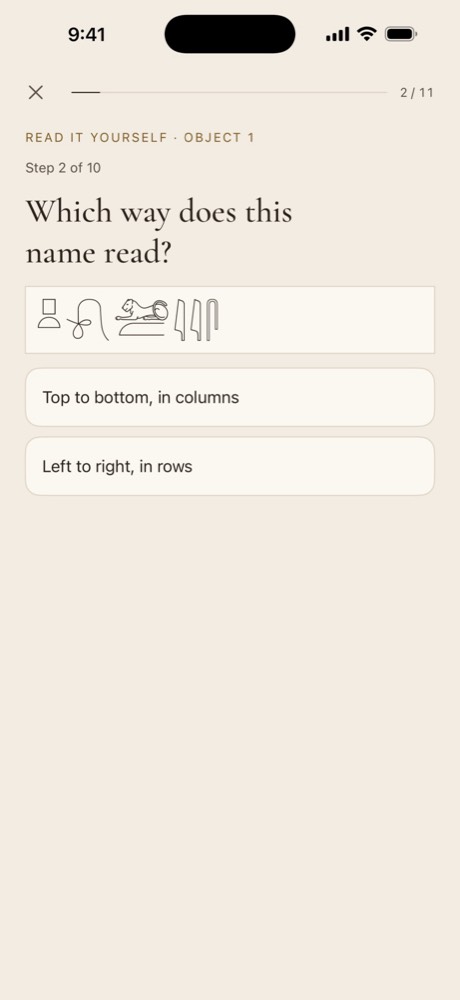
None. You start with one name, Khufu, and learn every sign, word and rule when you need it. Lesson 1 takes four minutes. The For beginners page shows it step by step.
How much time does it take?
Ten minutes a day. Each lesson tells you its length and number of exercises before you start, and spaced review (“Weigh your memory”) brings each sign back just as you are about to forget it.
Does Sesh translate hieroglyphs for me?
No. A translator converts; Sesh teaches you to read. Every line is explained with its signs, their sounds and a word-by-word gloss, so that the translation becomes yours.
Can I write my name in hieroglyphs?
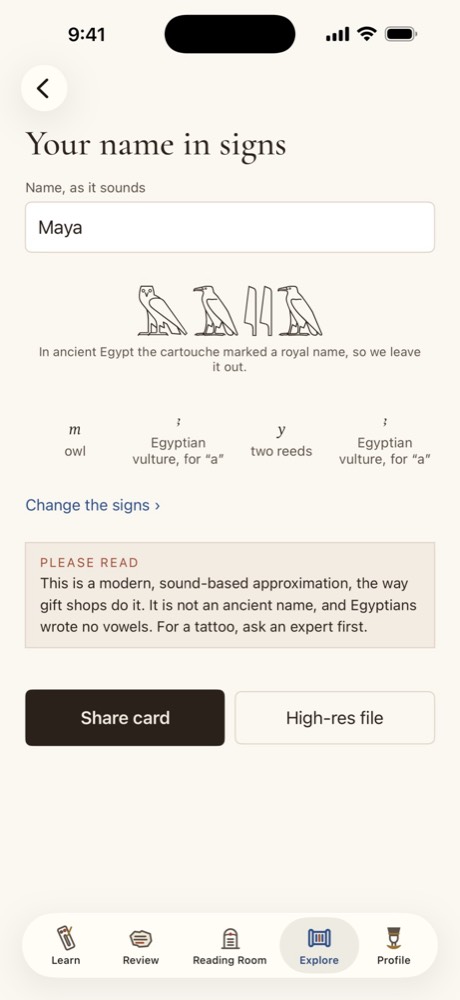
Yes, in a cartouche you can share. It is a modern, sound-based approximation of your name, not an ancient Egyptian name, and the app says so.
Content and accuracy
Where do the readings come from?
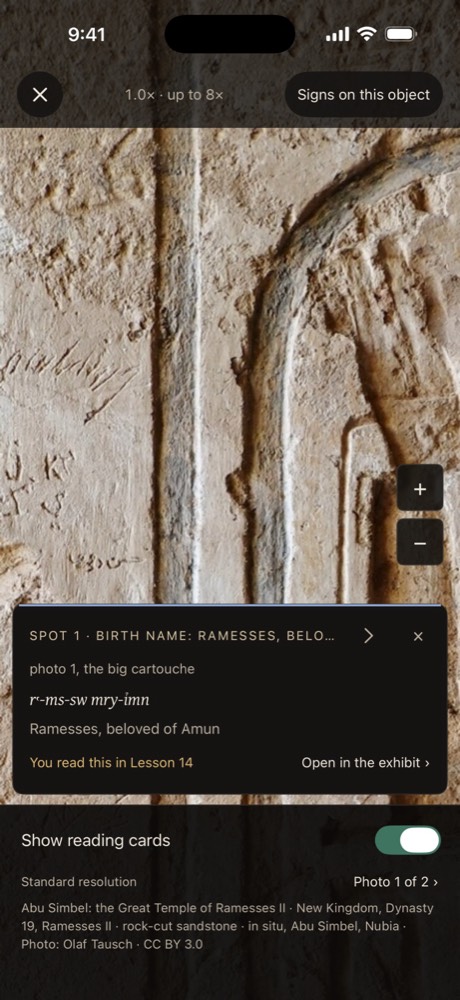
From the reference works of Egyptology: Gardiner’s Egyptian Grammar, Allen’s Middle Egyptian, Faulkner’s Concise Dictionary of Middle Egyptian, and Collier & Manley’s How to Read Egyptian Hieroglyphs. Every rule names its source, and inscriptions are checked against the museum’s record and photograph. See References.
Are any images AI-generated?
No. Every photograph shows a real object, from museum open-access collections and Wikimedia Commons, with its credit and licence.
How did Egyptian actually sound?
Hieroglyphs write only consonants. Egyptologists add an “e” to say words aloud (ppy becomes “Pepy”), which is a modern convenience, not how Egyptians spoke. Sesh teaches this convention and marks it as one.
I found a mistake. What do I do?
Open Profile › Settings › Report an error, or write to support@hieroglyphs.app. The report can include the screen you were on, so we can find it quickly. We correct mistakes when they are reported.
Purchases
What is free?
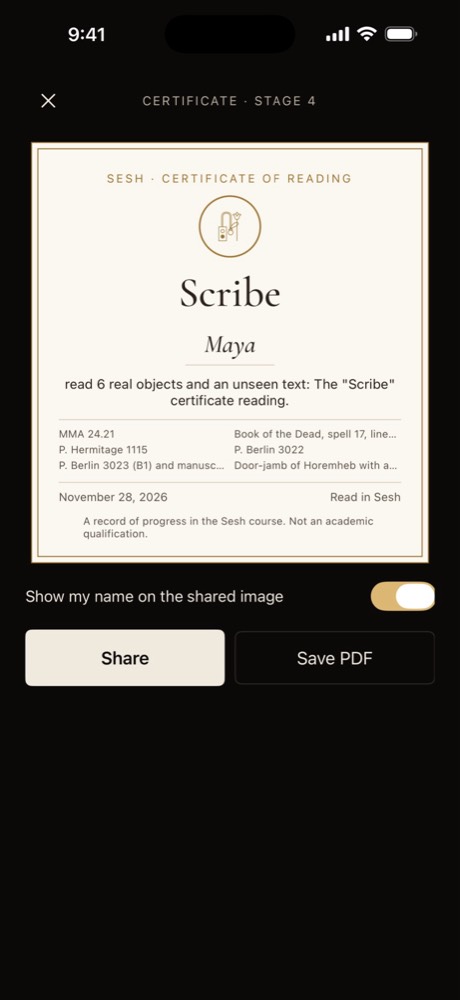
The app is free to download, and the first nine lessons (L01–L09, Units I and II) are free, with your first real object, review, today’s daily puzzle, the name studio and the hieroglyph keyboard. Sesh Premium unlocks everything else. See Pricing.
Is Premium a subscription?
You choose: a yearly subscription, or a one-time lifetime purchase that never renews. Prices are shown in the App Store in your local currency.
How do I restore or cancel?
Restore: Profile › Settings › Restore purchase, signed in with the same Apple Account. Cancel a subscription: Settings on your iPhone › your name › Subscriptions › Sesh. Refunds are handled by Apple at reportaproblem.apple.com.
Privacy
What data does Sesh collect?
Very little. No ads, no accounts, no tracking. Your progress stays on your device and in your own iCloud. To unlock purchases, RevenueCat receives your purchase receipt and a random ID created on your device, together with a few anonymous usage counts; never your name, e-mail or anything you write. The privacy policy lists every count.
Can the keyboard see what I type?
The hieroglyph keyboard does not request “Full Access”, so it cannot send what you type anywhere.